Rewinding to the hard part is tedious
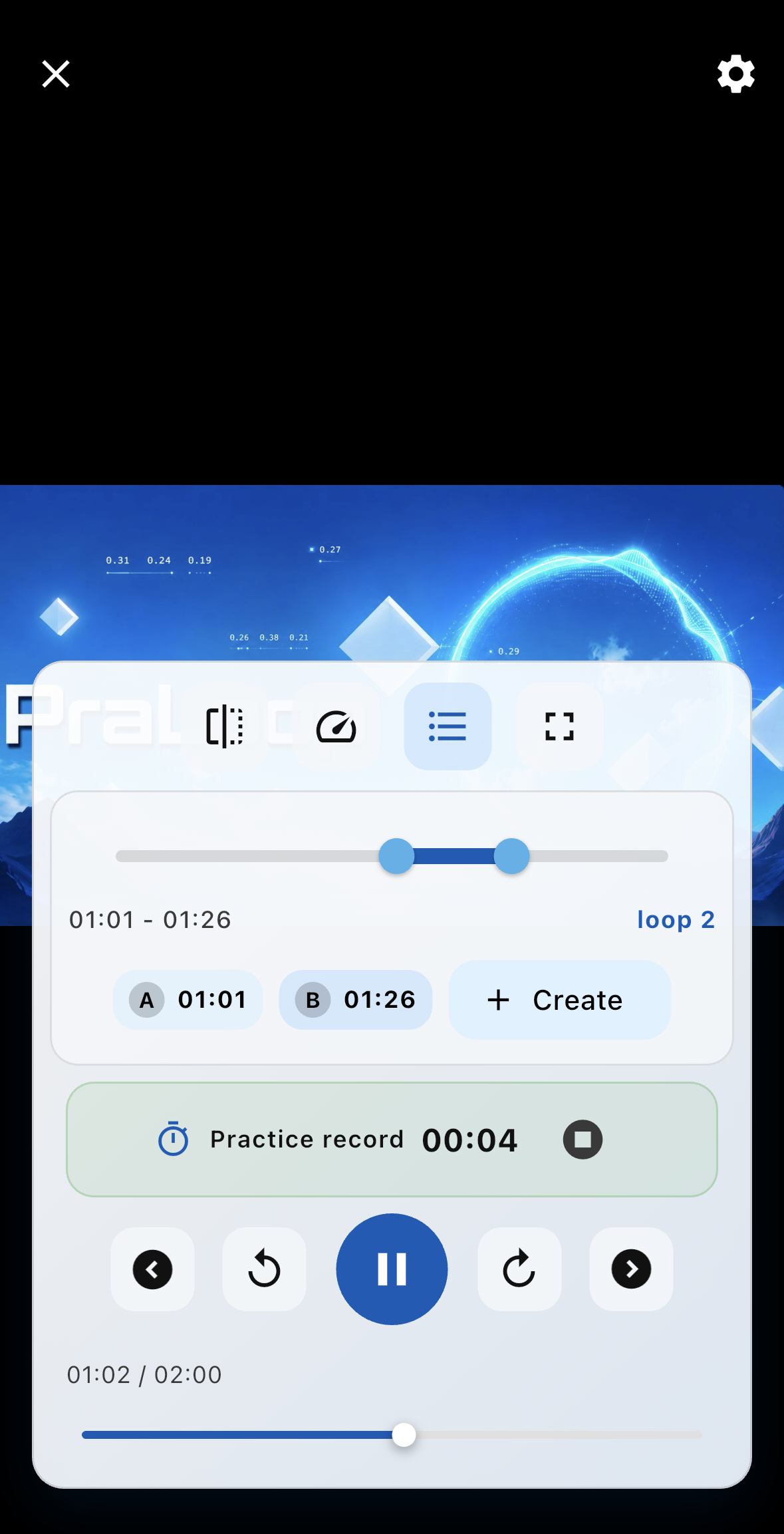
Stop searching for the same timestamp. Set a section once and let PraLoop repeat it automatically.
Videos, music, YouTube, and recorded audio. Repeat only the part you want to practice and improve step by step at your own pace.


Core features are free・No account required

Stop searching for the same timestamp. Set a section once and let PraLoop repeat it automatically.
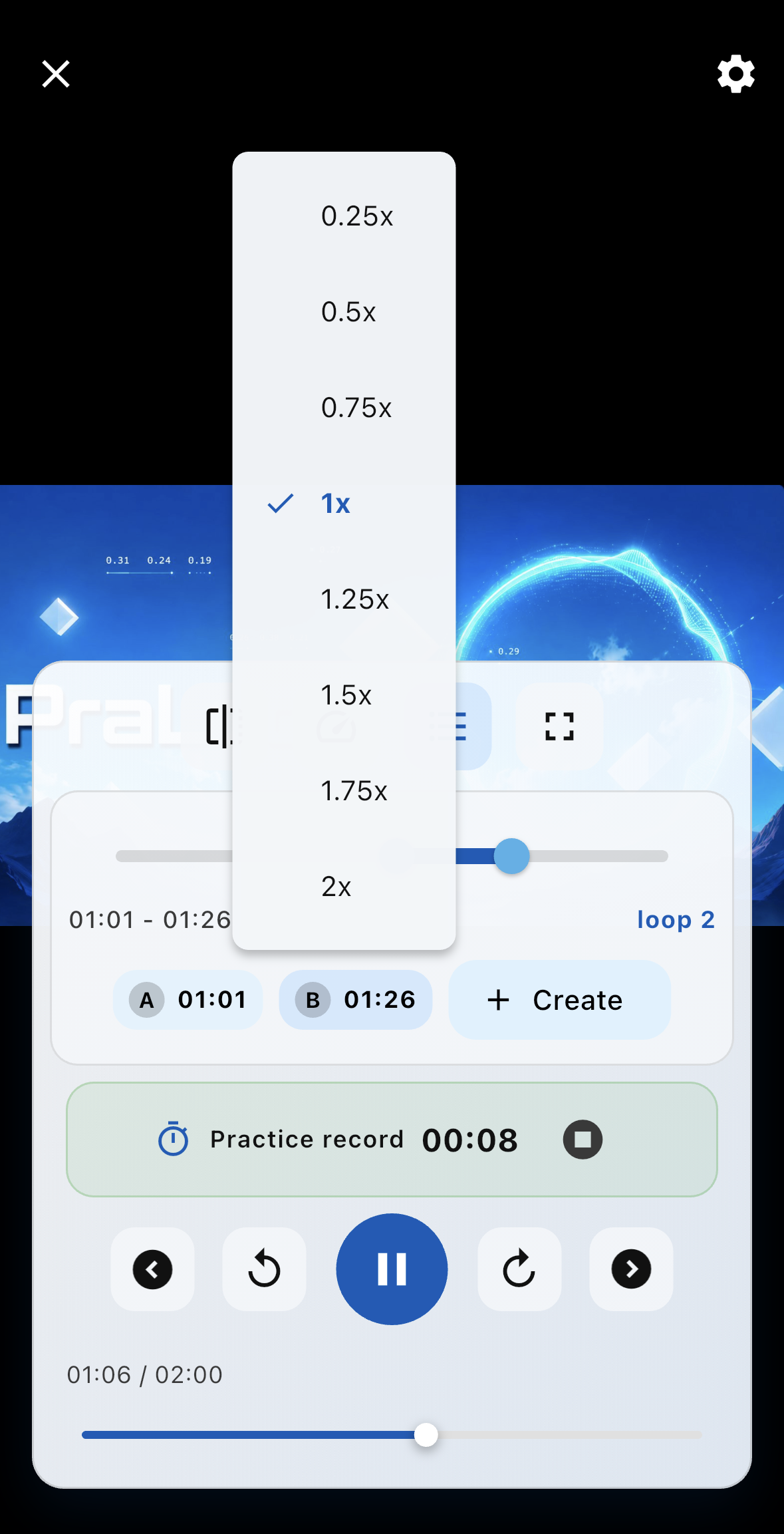
Slow playback down so you can check details in movement, sound, and pronunciation.
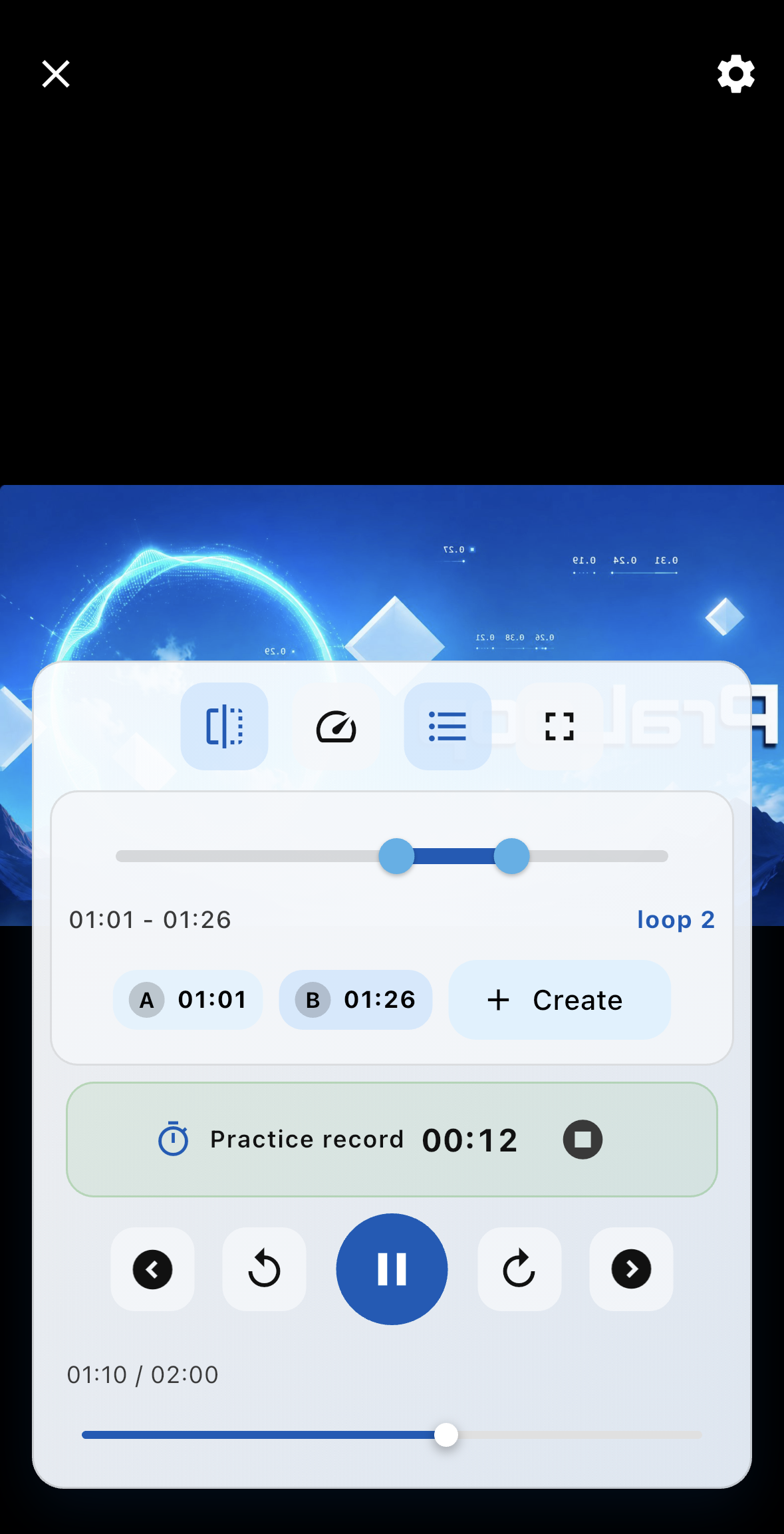
Flip videos horizontally and practice as if you were following a mirror.
Tap where you want to repeat. Instantly set the range you want to repeat and loop it as many times as you need.
Adjust freely from 0.25x to 2x. Slow down difficult passages, then return to the original tempo as you improve.
Flip video horizontally so movements and posture are easier to check in the right direction.
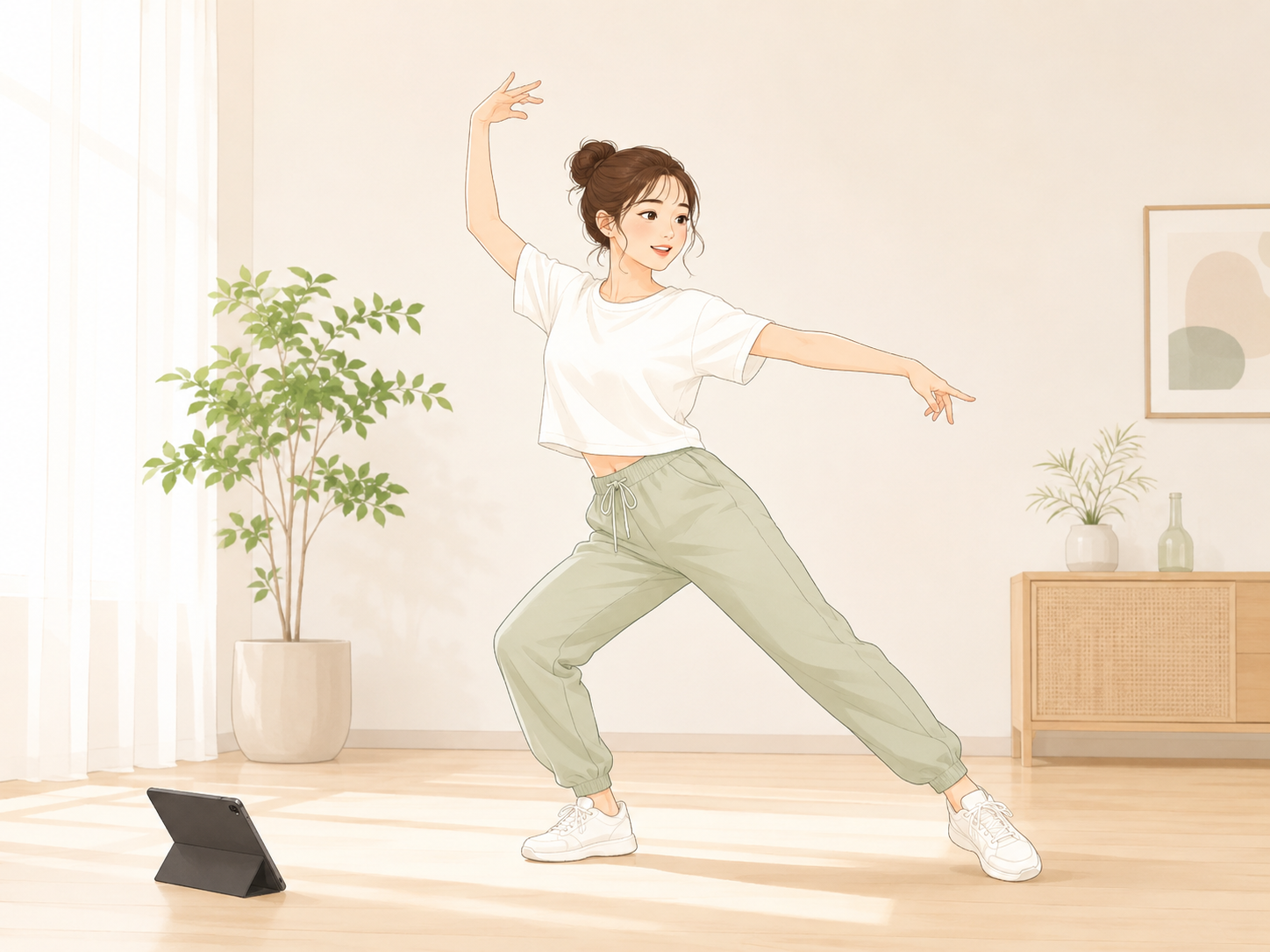
Slow down difficult choreography. Use mirror playback to follow the reference more naturally.

Repeat difficult phrases and lower the tempo to check fingering, timing, or pronunciation carefully.

Loop a sentence you cannot catch and compare it with your own recorded pronunciation.
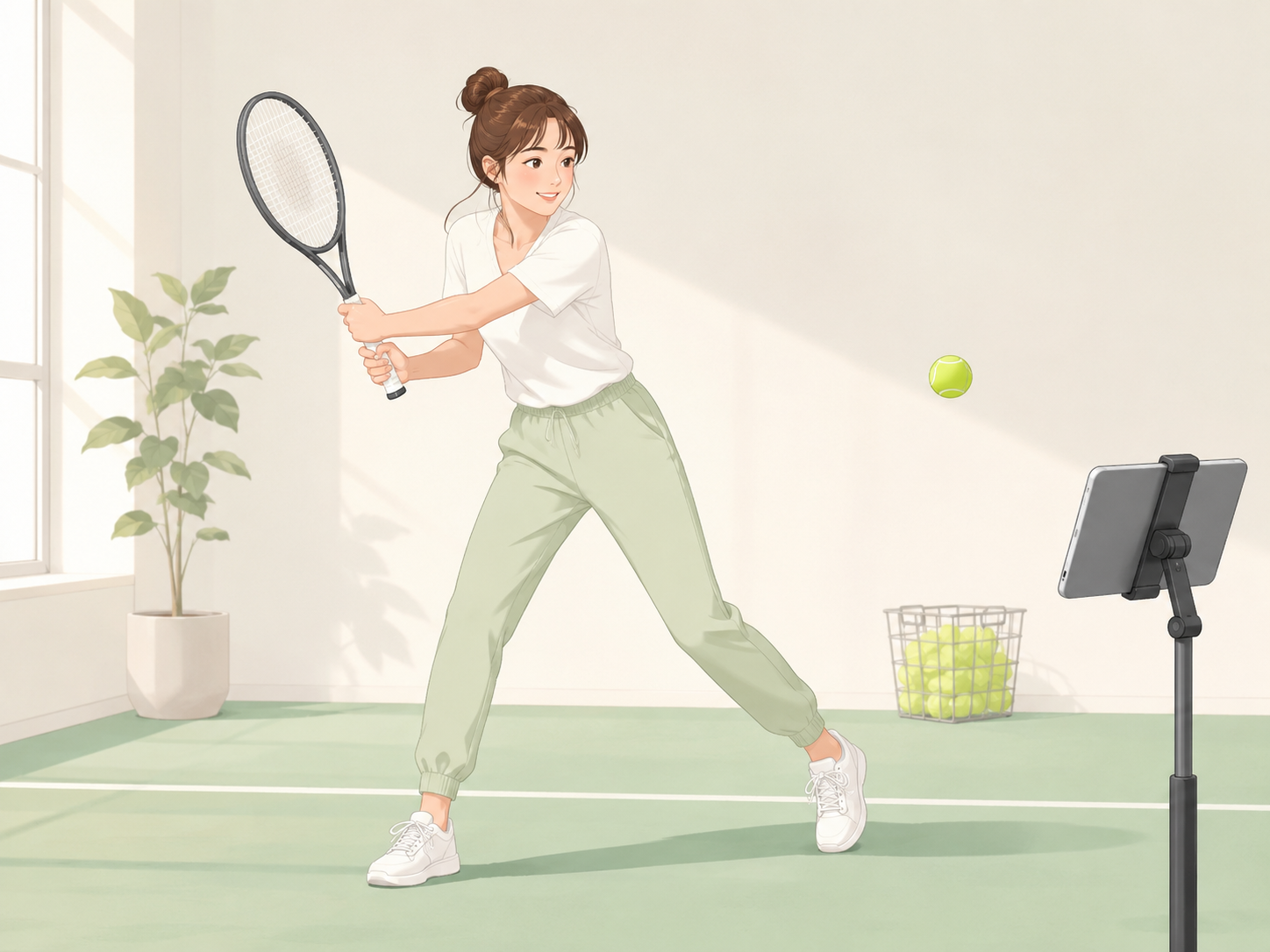
Review a split-second form change in slow motion and bring the detail into your next practice.
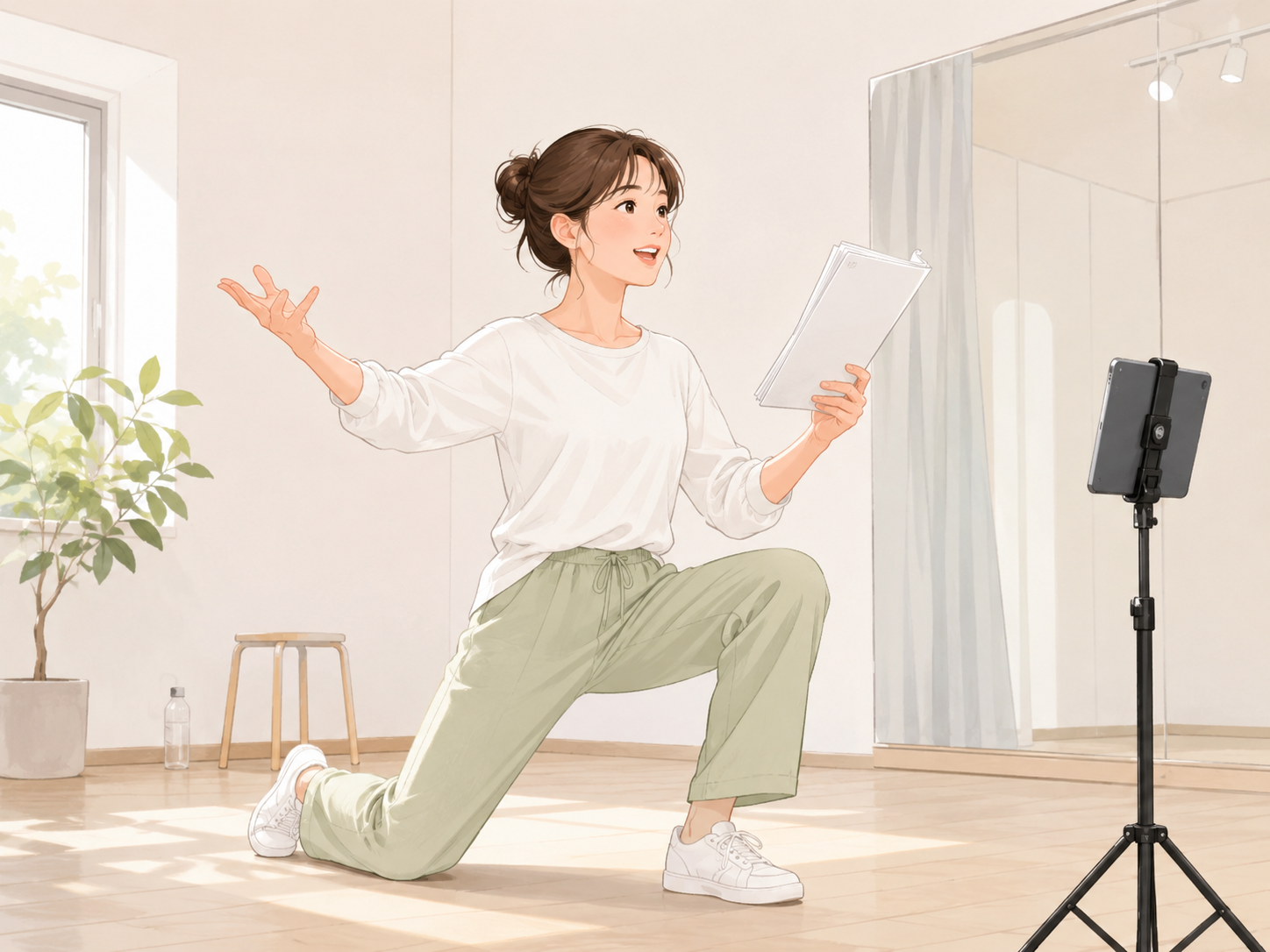
Repeat lines, cues, and timing until the performance feels ready.
Organize the songs and videos you want to practice. Even with a growing library, you can keep each session efficient.
Add notes to difficult sections and save the points you want to remember.
Use your iPhone outside and your iPad at home. Loop positions, playback settings, and practice records carry over across devices.
Visualize practice time with graphs. Review when and how much you practiced to stay motivated and improve your routine.
Set notification times for each day of the week and make daily practice easier to keep.
Use core features such as A-B loop, speed control, YouTube playback, playlists, reports, and notes for free. Premium removes ads for a more focused environment.
| Feature | Free | Premium |
|---|---|---|
| A-B loop | Available | Available |
| Speed control | Available | Available |
| YouTube playback | Available | Available |
| Playlists | Available | Available |
| Practice reports | Available | Available |
| Notes | Available | Available |
| Multi-device sync | Not available | Available |
| Ad-free | Not available | Available |
Download PraLoop and make repeated practice easier.